
Creating a component
Creating a component is nearly identical to creating a product. The only difference is that they are created on the Components page.
Creating a new component
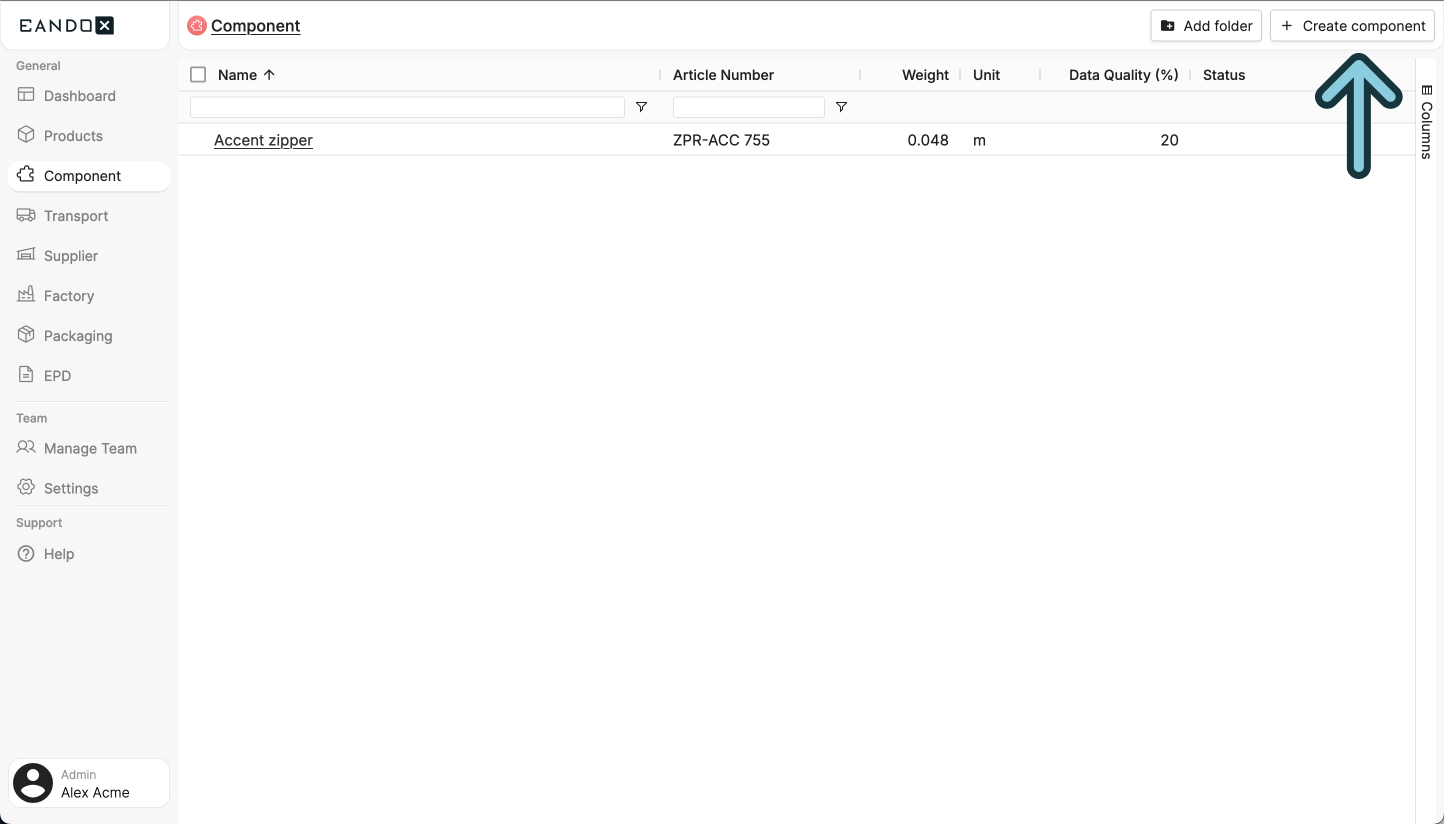
Navigate to the Components page in the left navigation menu, and click the Create component button in the top right corner.
This will open a sidepanel where you can fill out the necessary information about your component. This information can be changed later on, but it is recommended to fill it out correctly the first time.
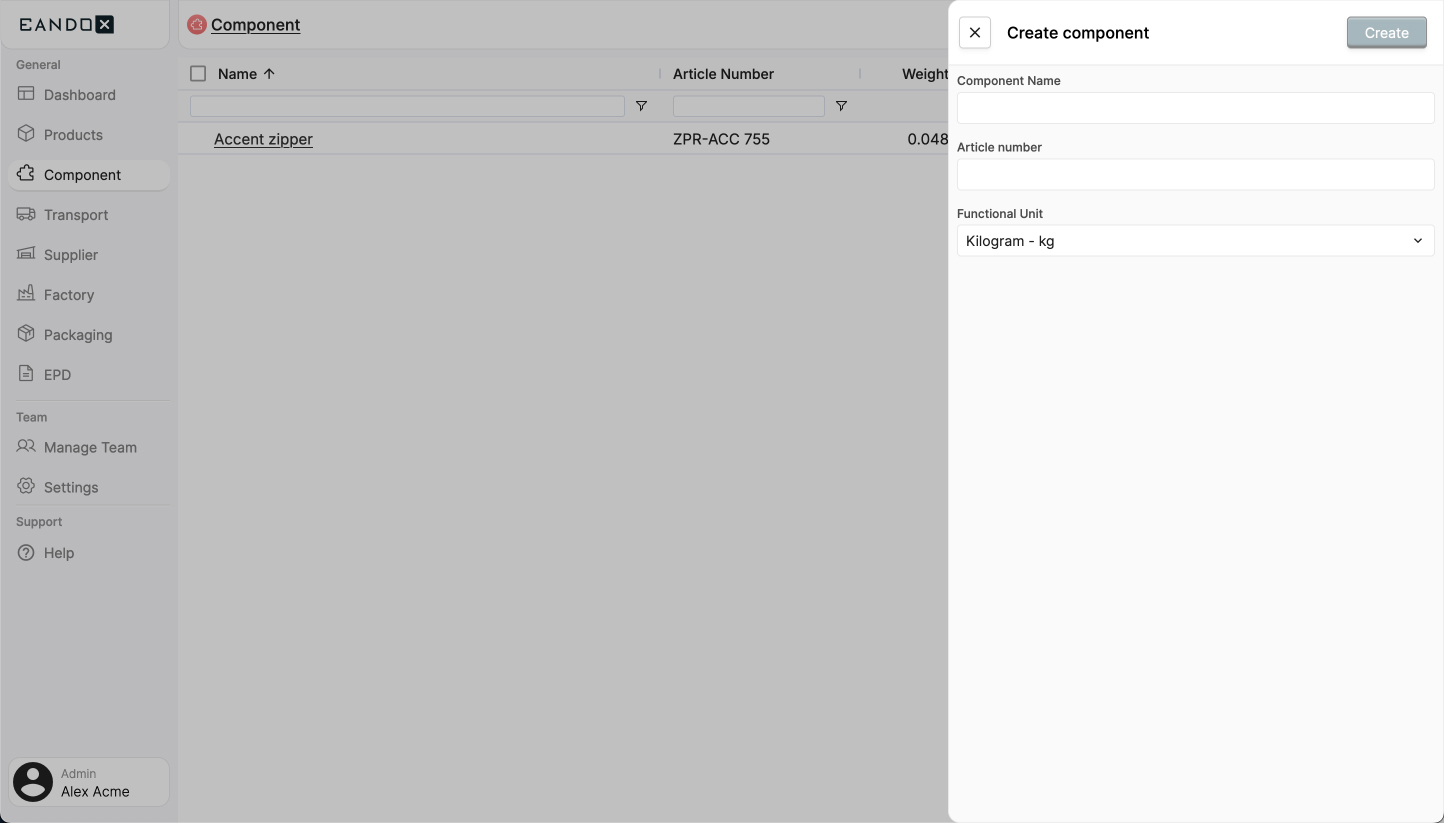
The fields in the sidepanel are as follows:
| Field name | Field description |
|---|---|
| Component name | The name of the component. |
| Article number | This is used to identify the component, so it should be unique. |
| Functional unit | The unit in which the product is sold. |
Click Confirm to create the component. This will take you to the component page where you can see and edit the details of your component, and start attaching other entities to it.
Next steps
From here you follow the same steps as with products. Read more about it here.